When you log into your account, you will be directed to the Home dashboard with quick access to two important sections ; Files and Sites.
Files, is where all your files are stored. Clicking the Files link will lead you to the files section of the Publisher where you can manage different types of document for your sites.
When you are on the Home dashboard, you can only do a quick search of your files.
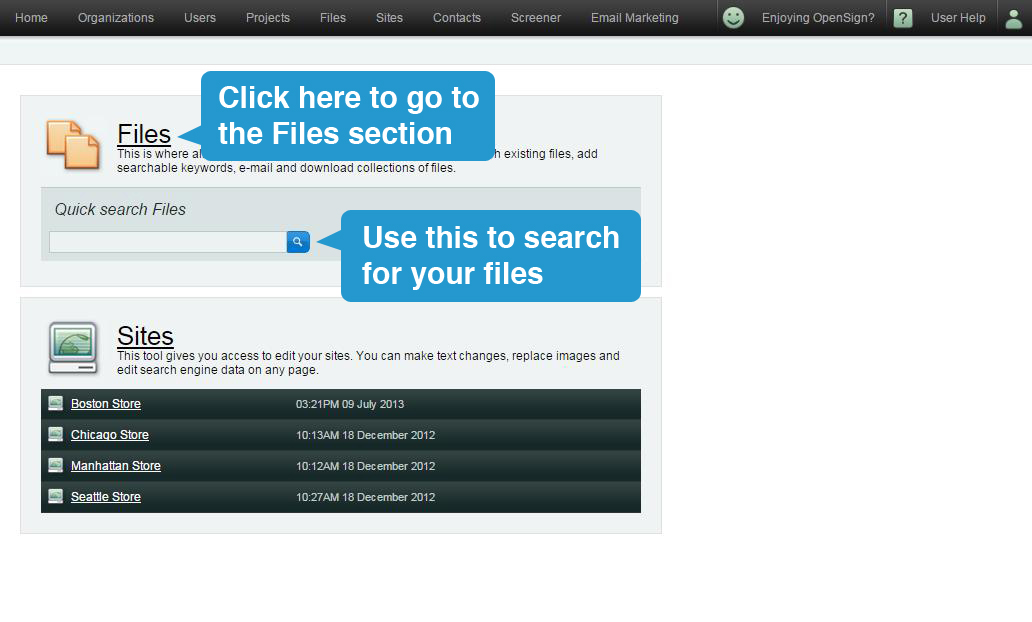
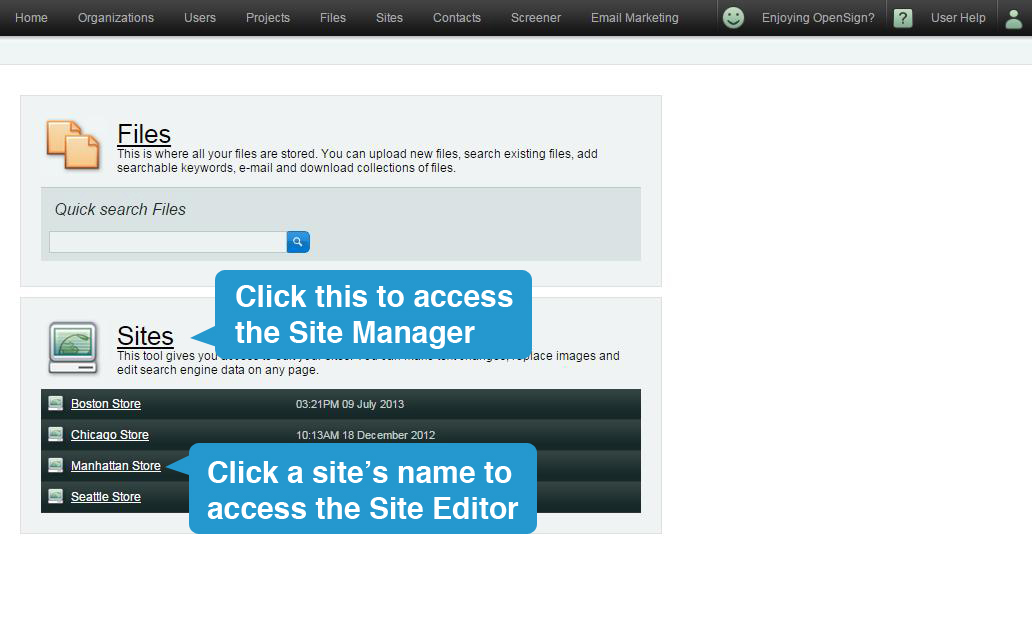
Sites gives you an overview of all sites on your account. This section includes important details on your sites such as the time and date of the last publish, and prompts you if you need to take action on “unapproved pages”. Unapproved pages are pages that have only been saved and will show the version comments made when the page was saved.
Clicking Sites link will direct you to their respective page where you can make text changes, replace images, and edit search engine data.
Logging in for the first time? Click here to learn how to gain access to your account.
Note, Publisher is designed to be used on desktop (not mobile) with the best performing browser Google Chrome.