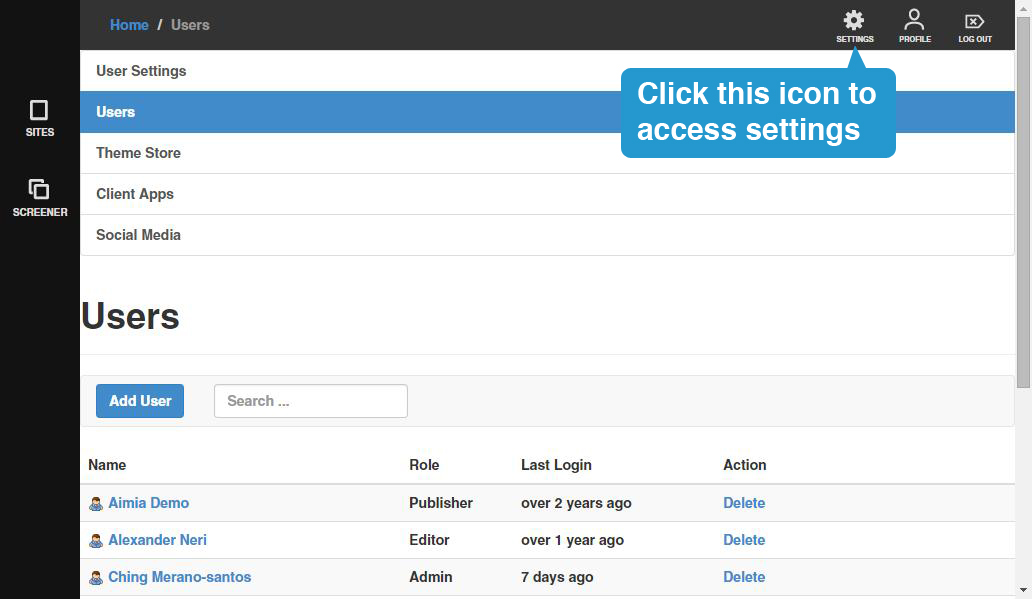
By clicking on the Settings icon at the upper right side of the screen, Administrators can access the following:
1. Users - a list of all users in your account and the ability to create, modify and delete accounts. You can access this by default.
2. Theme Store - access to and ability to add/remove screener site themes to your account.
3. Client Apps - access to and ability to register/remove applications
4. Social Media - access to and ability to add/remove social media accounts