Devices have been registered and locations have been set up. Your next step is to assign your devices to their respective locations. Here are the steps:
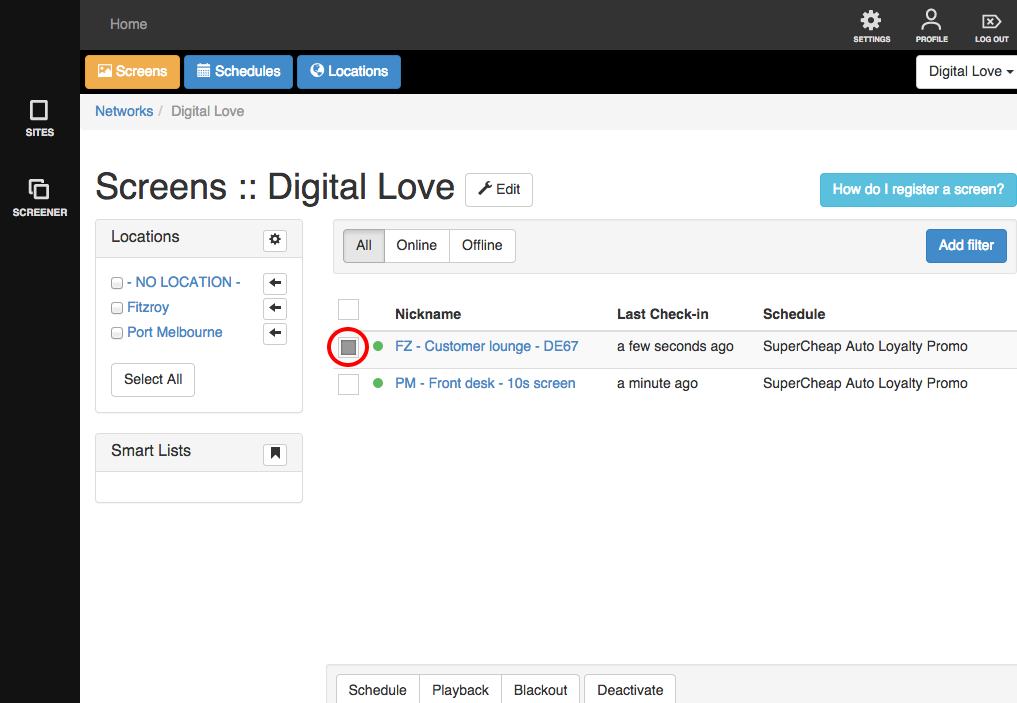
1. Click on the check box at the left side of the name of one or more devices to select them.
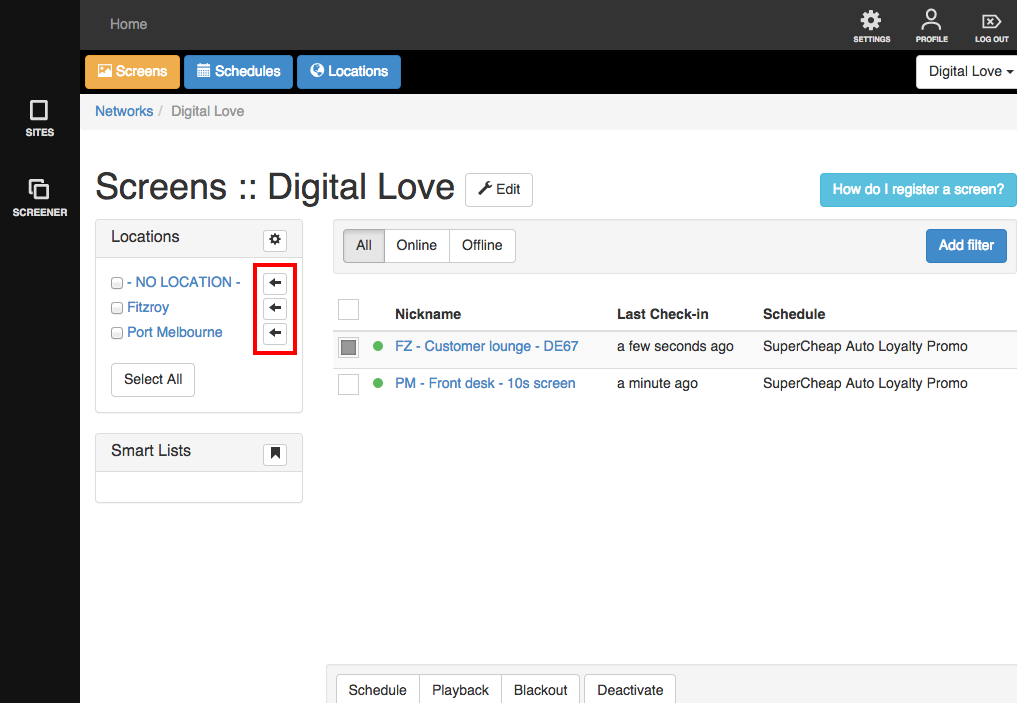
Arrow buttons will appear beside the names of your locations.
2. Click the arrow beside the name of the location to assign your selected device(s).
A notice will appear letting you know this is done.
