Once a Screen Network has been set, there is only one detail (timezone) you can safely edit. All other details such as the email and password can't be edited.
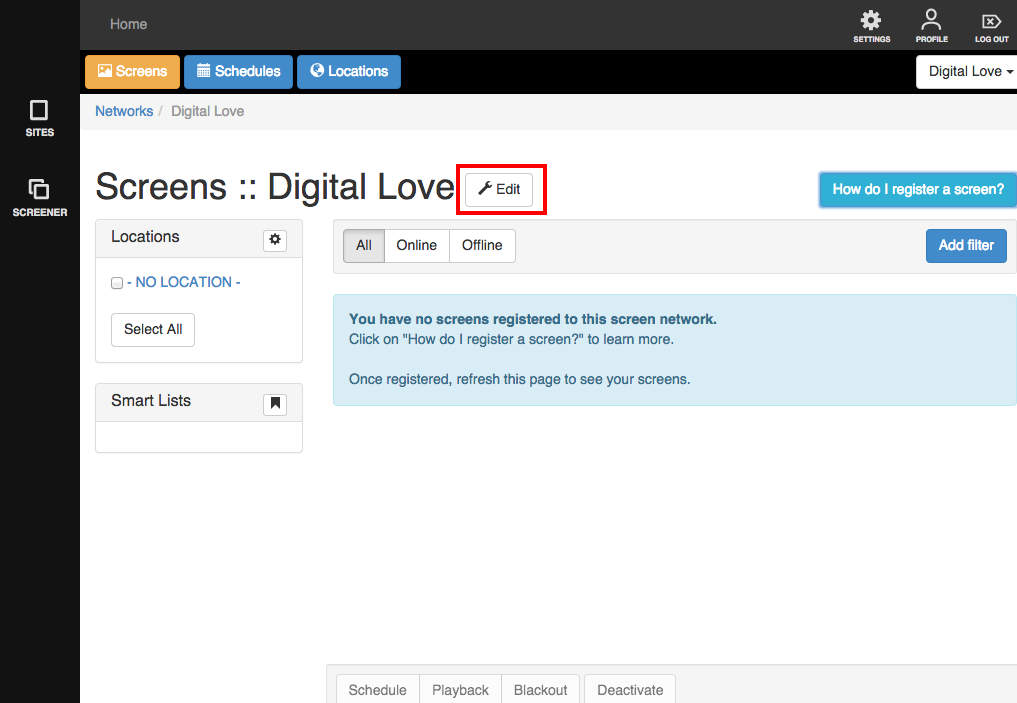
To edit your timezone, start by clicking the Edit button in your Screen Network's dashboard.
A lightbox will appear showing you the only editable detail re: your Screen Network which is its timezone.
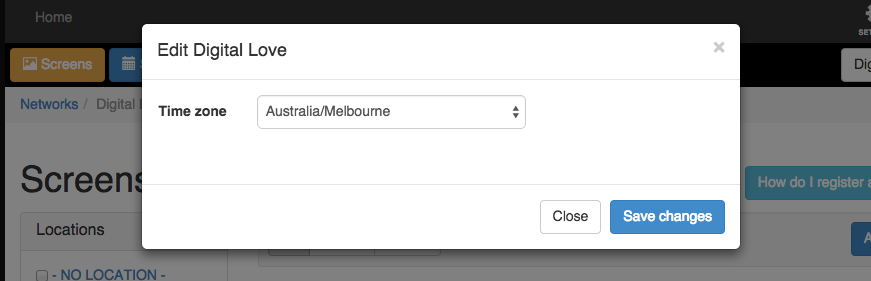
Click on the drop down and choose your Country/State/City, then click 'Save changes' when done.
A notice will appear letting you know that the change is done.
