So the product images on your categories may be outdated and you wish to change them. To do this, follow the steps below:
- Click on to Catalogues
- Click on your preferred catalogue’s name
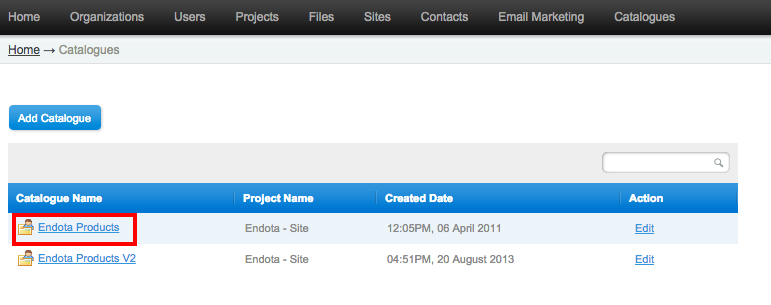
- Once in, click on Catalogue Administration

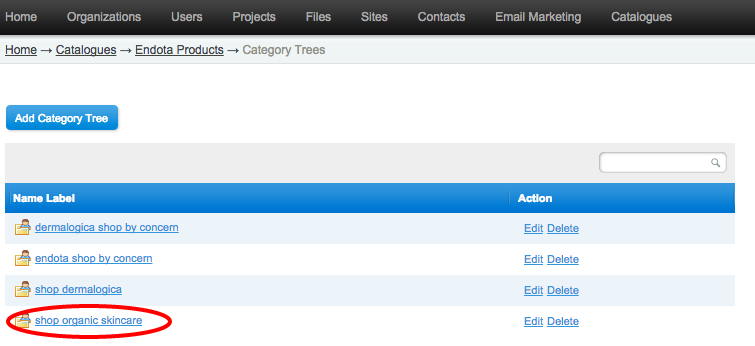
- Click on Categories
- Click on your preferred ‘Name Label’
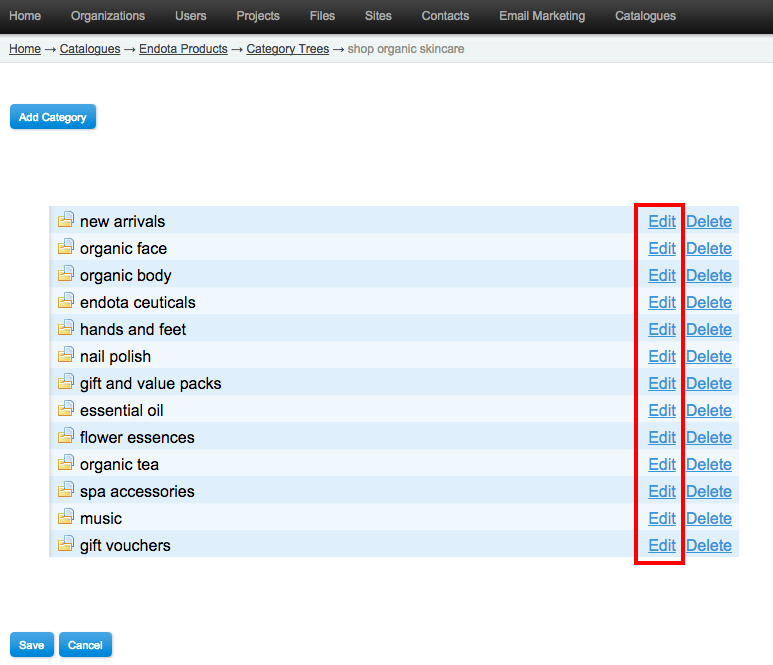
- Click on ‘Edit’ beside the ‘Category’ you wish to edit
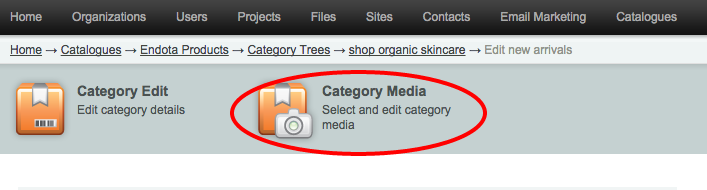
- Click on ‘Category Media’
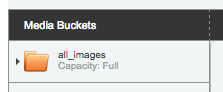
- Click on the all_images folder on the left
- Delete the existing image by click on the orange minus button

- Click on ‘Add Files’
- Use ‘Search’ to find the image file you wish to replace the current one with
- Double click the image file you wish to use so the lightbox will appear
- Click on ‘Save’ (an “Assets Matched” notice will appear)
There is no need to force publish your main website to see the changes on your site. All changes are instantaneous.