First you need to verify what your access level is. Accounts is only accessible to Admin and Superadmin users. To know what your access level is, please coordinate with the platform champion in your company, or email our Support Team at support@screener.digital.
If you're using an Admin level account or higher, you can user accounts by clicking on the "User" link at the top of the screen.
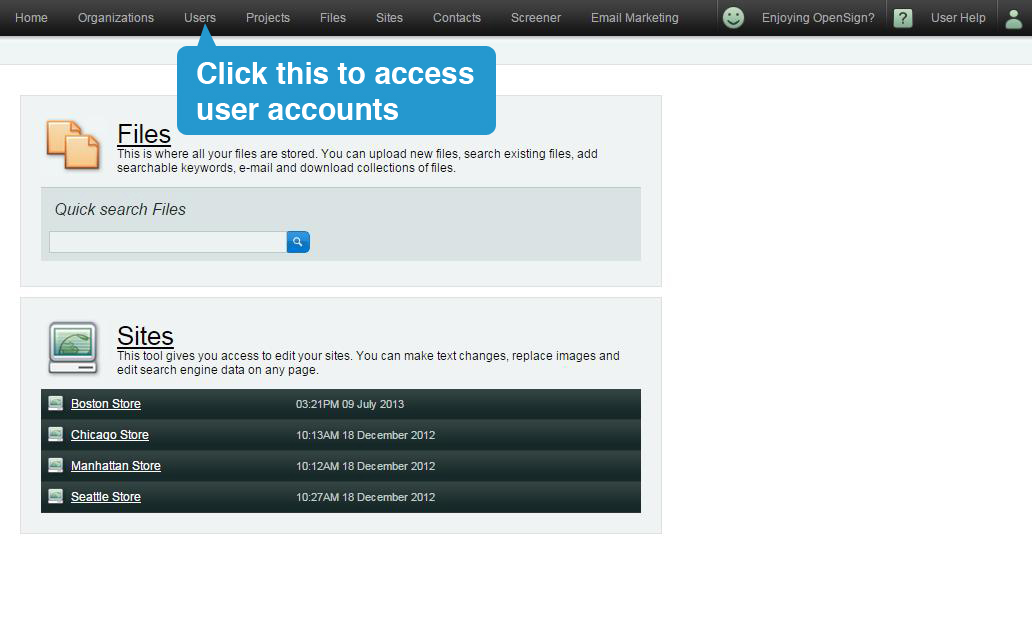
You will be able to modify and delete accounts.