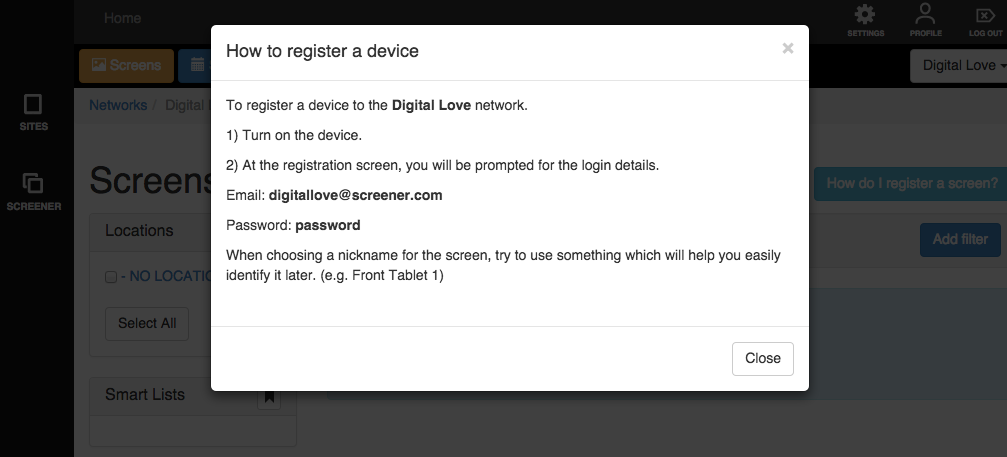
If you need to find the registration details for your Screen Network you can get this information easily through your screen network's dashboard.
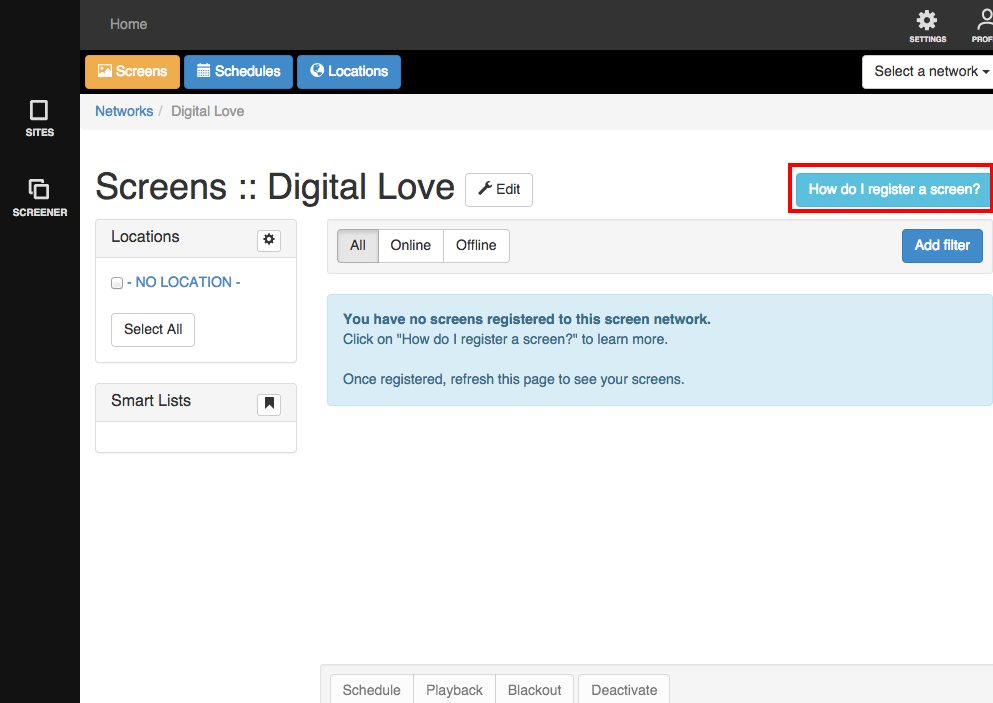
Click Screens at the left side of your browser and then select your network from the list. by clicking on it.
Click the button labelled “How do I register a screen?“
A lightbox will be displayed with your Screen Network’s email address and password. This information is entered when setting up a new device.