This device requires a media player in order to display your content.
- Plug the device into a power outlet using the power cable provided.
- Connect your device to the media player using the cable provided
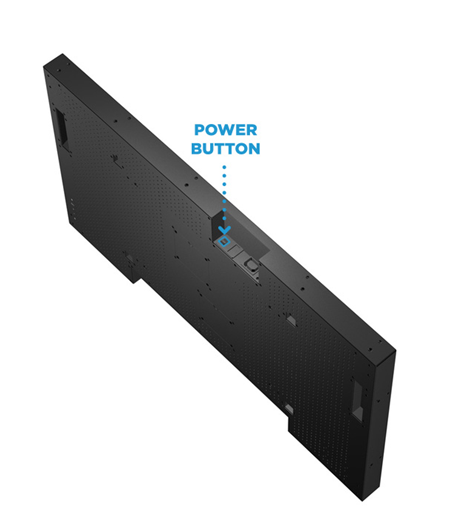
- Turn your device on by pressing and holding the Power button, located along the edge of the device. Once the screen turns on, release the Power button.