You may want to remove a device from a screen network and make it available again for registering.
To do this, you can start by...
1. Clicking on 'Screener' at the left side of your screen
2. Click on the name of your screen network.
3. Click the check box on the left of your device's nickname to select it.
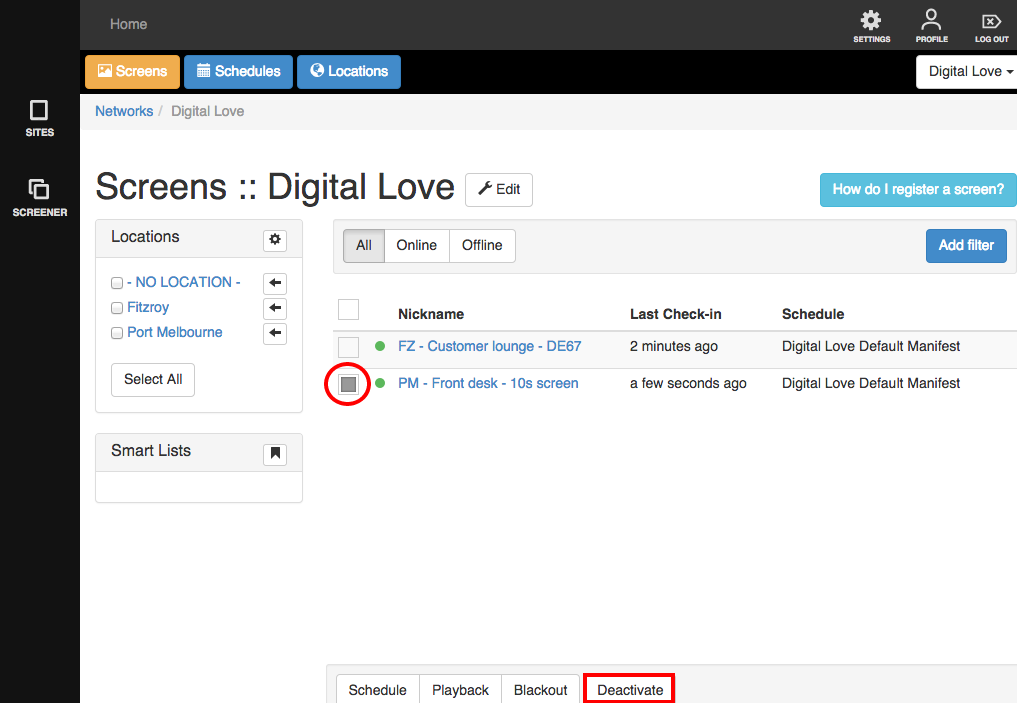
4, and click the 'Deactivate' button at the bottom to de-register your device from the screen network.