Publisher allows a variety of ways to locate files by either file name, keyword, project, file type or group. You can also search using a combination to narrow down the selection.
Letters entered in the search field may appear at the start, middle or end of any word of the File name.
Search by file name or key word:
- Under projects select All, (or a specific project)
- Under File type select All, (or a specific file type)
- In Search field type some or all of file name or keyword
- Click Search (magnifying glass)

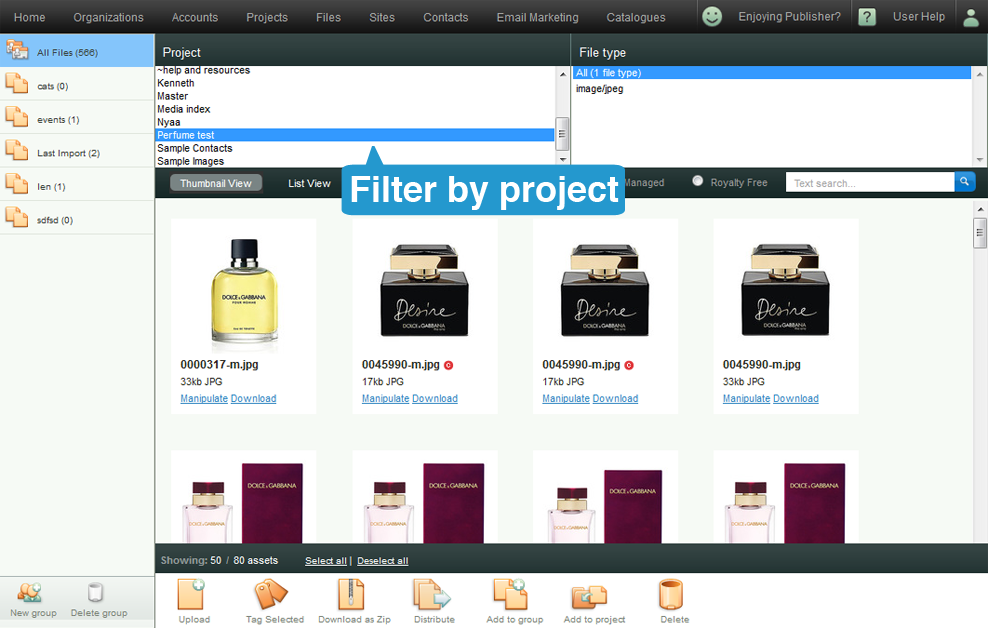
Search by Project name:
- Under Project, select a Project
- Under File Types, select All, (or a specific file type)
- In Search field, ensure it is blank (or start of file name you're searching for)
- Click Search (magnifying glass)
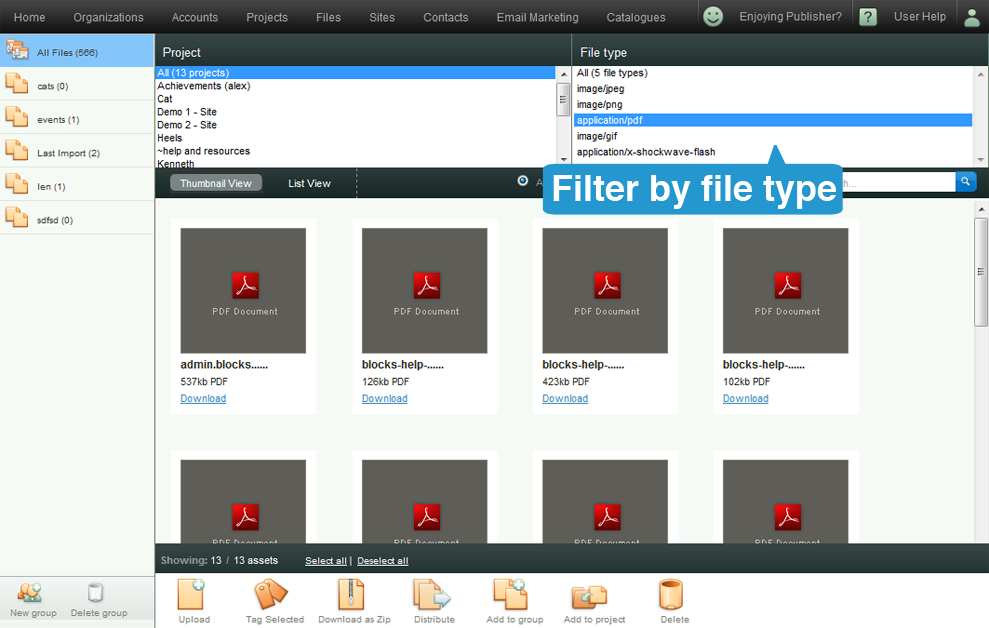
Search by File type:
- Under Projects, select All, (or a specific project)
- Under File Types select the appropriate type.
- In Search field, ensure it is blank (or start of file name you're searching for)
- Click Search (magnifying glass)
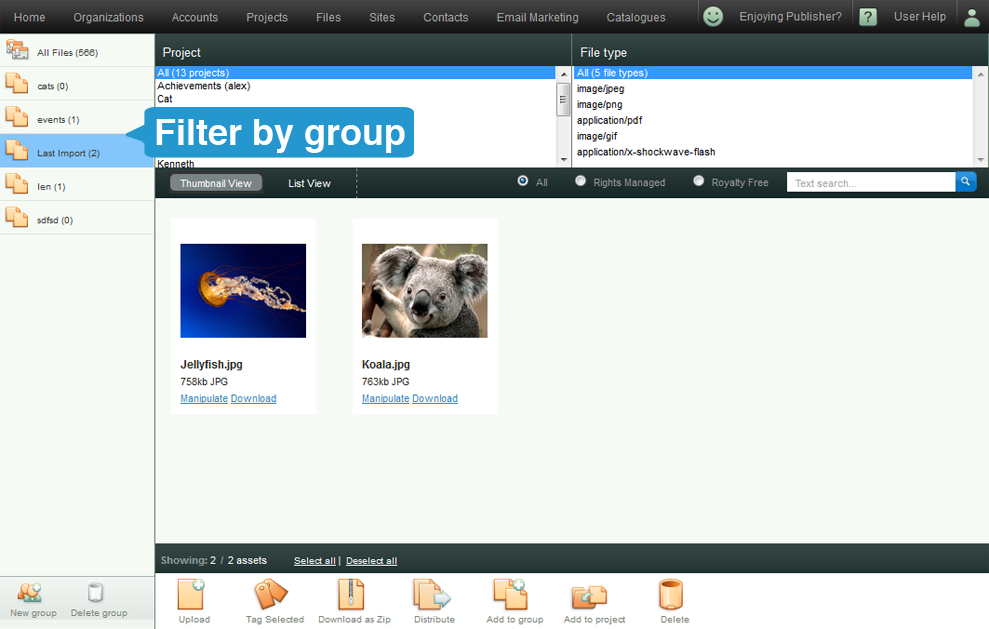
Search by Group:
- On the left are Group folders containing files from across different Projects.
- Click on any group to open the folder
- Further refine within the group folder by name, keyword, Project or File.
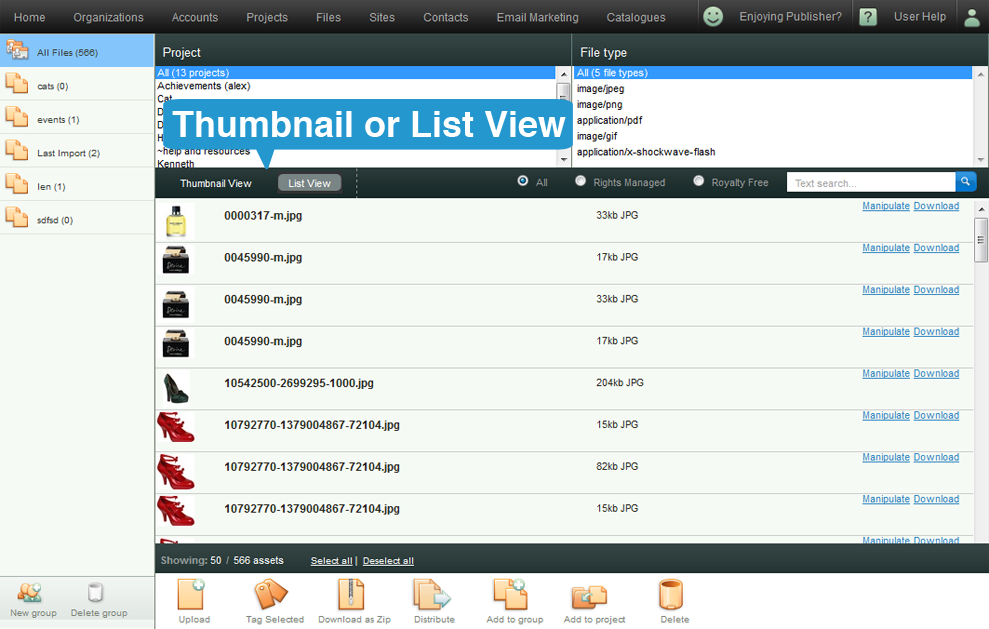
Search by Thumbnail or List view:
- Default view is Thumbnail, though clicking on "List View" changes display to a list
- Use any of the above methods to search for the file types
- Click on List view if it makes it easier to find your files.
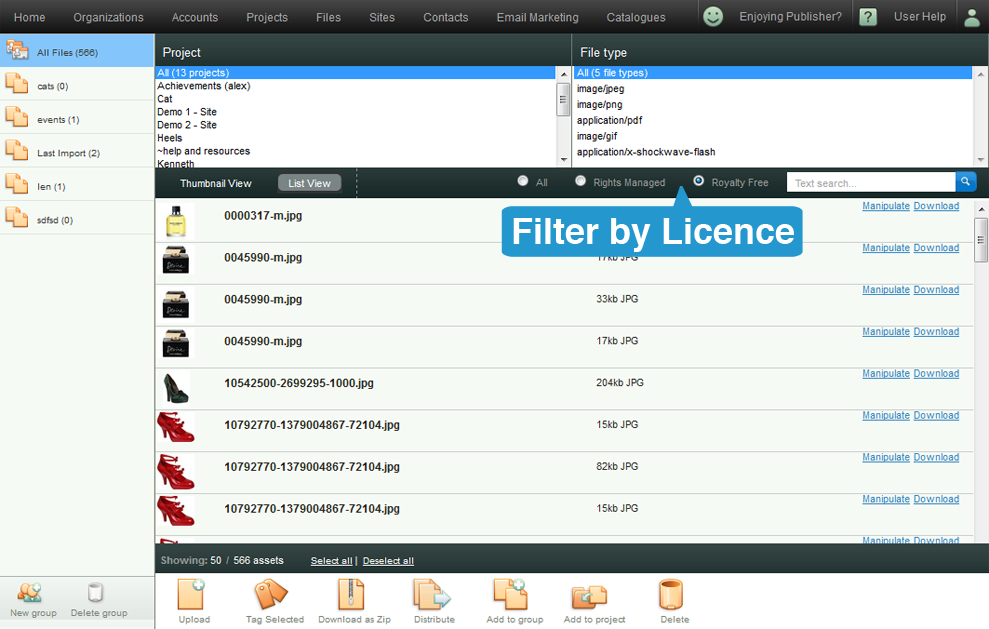
Search by Rights Managed, Royalty Free or All:
- Default view is All, though clicking on "Rights Managed" or "Royalty Free" filters list to display only files matching each filter
- Use any of the above methods to search for the file types
- Click on "Royalty Free" to display all images that may be used without further payment or acknowledgement.
- Click on "Rights Managed" to dislplay all images that may require either payment or acknowledgement to the original artist when used.
Things to Note
- For every new search, clear the search field (next to the magnifying glass), otherwise you won't get the results you were looking for.