You may want to check the status of your tickets submitted to Screener Support. To do this, you can go to OpenSignHelp.com or through your account.
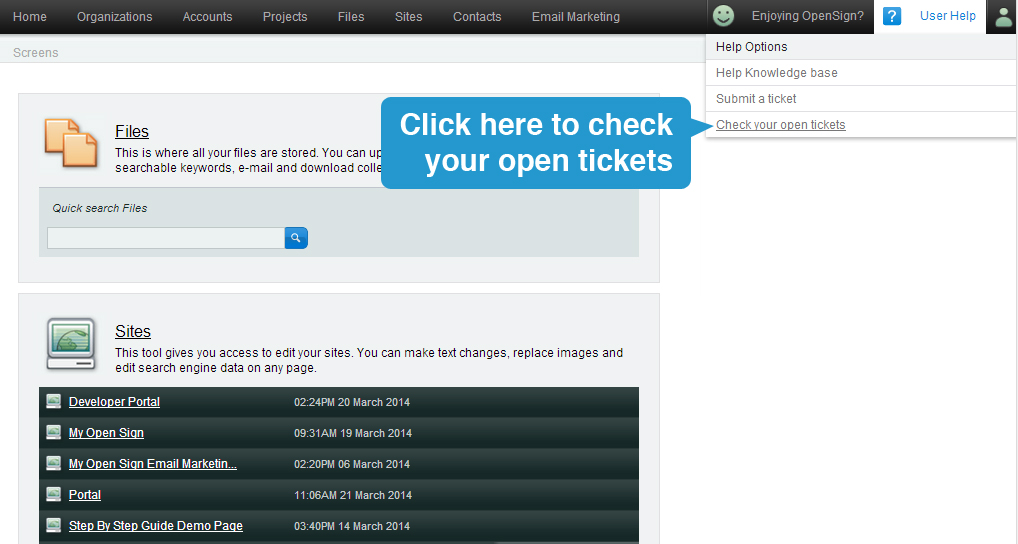
This will lead you to the OpenSignHelp.com site. You will have to log in in order to be able to view your ticket activity.
***Please remember that your Publisher and Screener account and OpenSignHelp.com account details may be different from each other. If you do not know your password, try clicking on the "Forgot my password" link on the Sign In page. If you're having a hard time, please contact support. We're happy to assist.
Once logged in, click on 'My Activity".
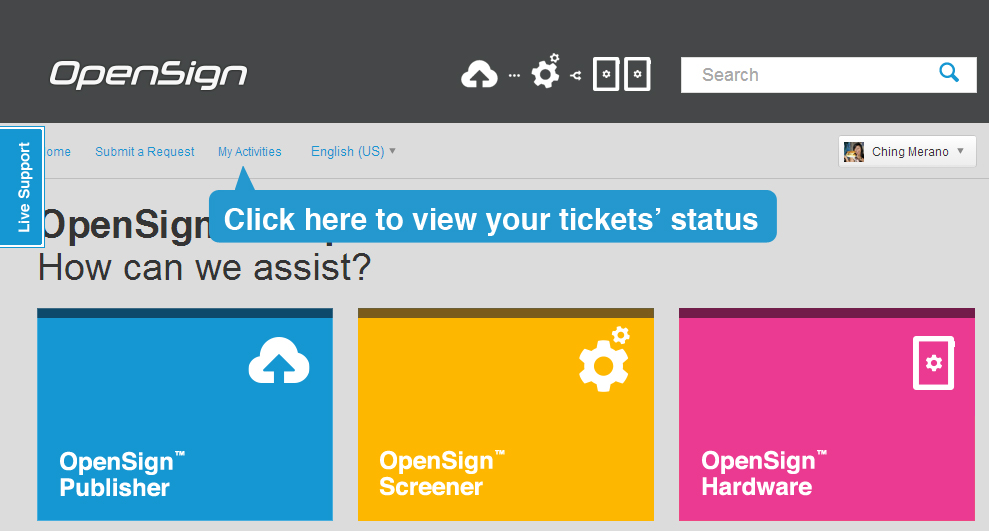
This will show you all your tickets and their current status.
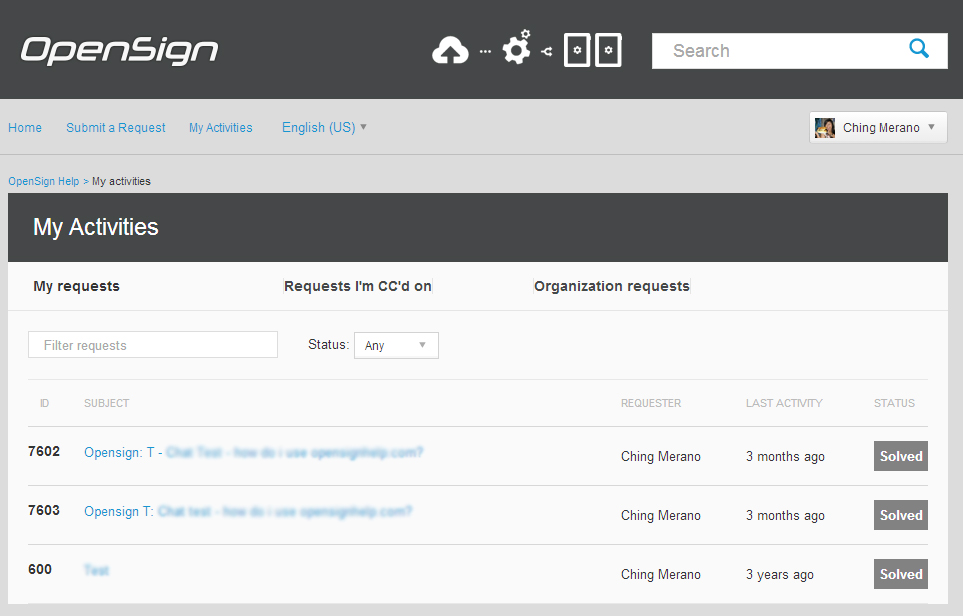
My requests - are for tickets you've created
Requests I'm CC'd on - You're carbon copied to it, probably by your coworkers
Organization requests - All tickets submitted by people from your company