There are many ways in which you can submit a ticket.
1. Email
The easiest and most popular way is by emailing support through support@screener.digital. Doing this will automatically file a ticket on your behalf and create a support account for you as well using the email you used.

2. Through our Screener Support site's "Submit a Request" link
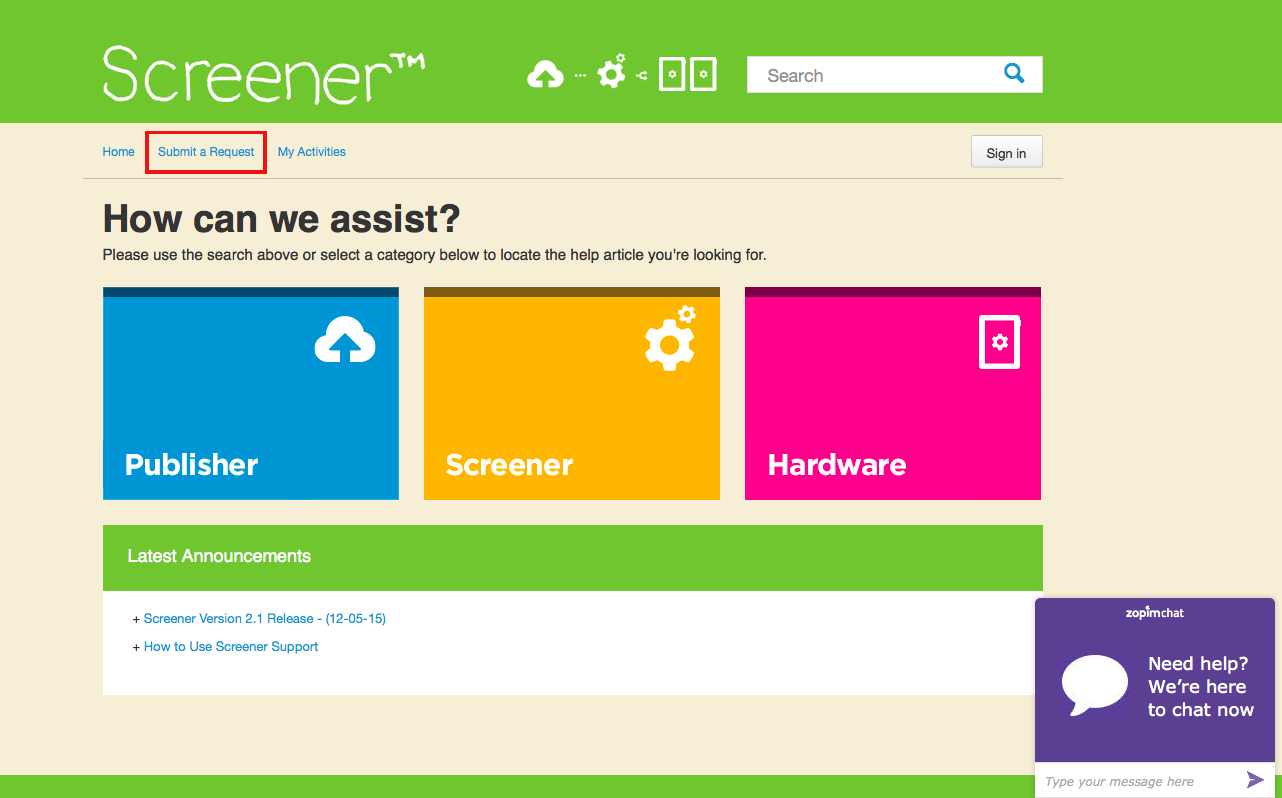
Clicking that will bring you to the Support Form. Fill it up and click 'Submit' when done.

IMPORTANT: Please remember that your OpenSignhelp.com account is different from your account.
Make sure to be as detailed as possible when submitting a ticket. Providing our support personnel with all the information needed speeds up resolution time.
The details we usually need are:
- Your name
- Your company
- Your phone number (in case we need to call you)
- The browser (+version) you are using (if it's a template issue)
- The email software you are using (if it's an EDM issue)
- The screen network you're on and the manifest you are using (if it's a screen issue)
- A screenshot of the issue would also help a lot.