Managing Files
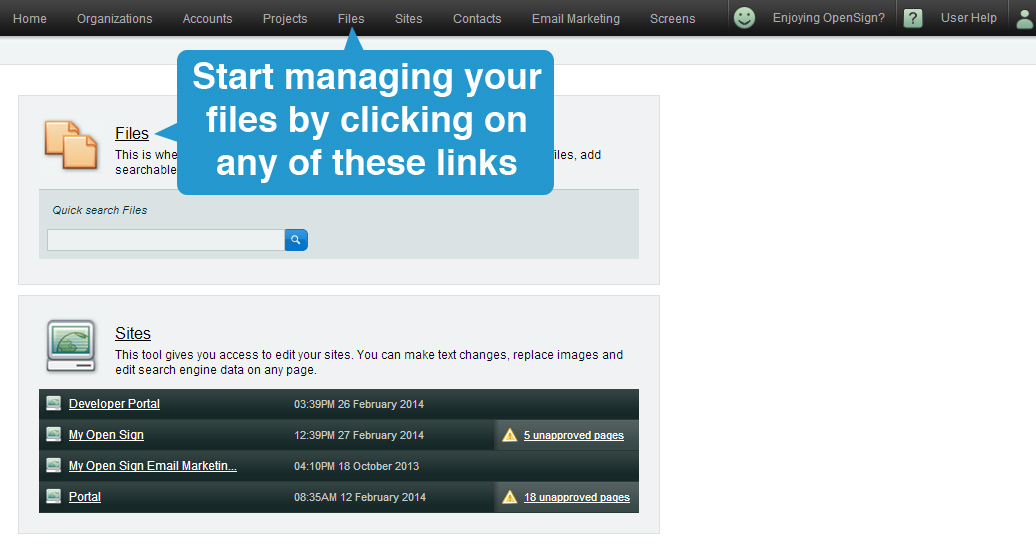
You can access your files in two ways; via the Files section of your Home dashboard or through the Files navigation link located at the top of your screen. Start managing your files by going to any of these links.
Inside the Files section, your files are categorised by Projects or File Types. There are also two options to view your files. You can choose to view them by thumbnails or by list.
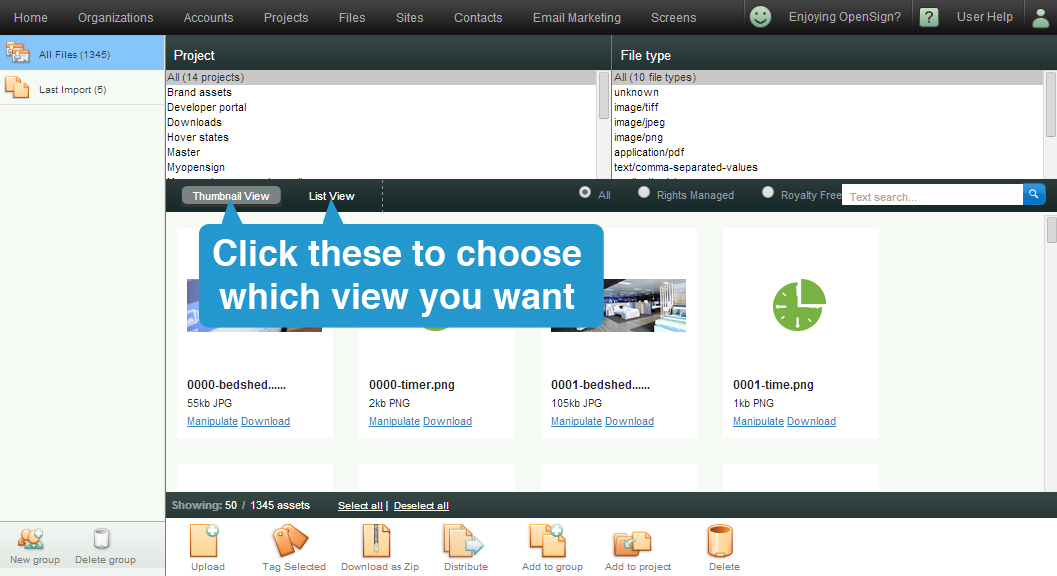
There are seven things you can do to manage files in Publisher. You can upload, add tags, download as zip, distribute, add to group, add to project, and delete files.

- Select the Upload option if you want to upload and add files to your projects.
- Add tags to your selected files by clicking on the Tag Selected option
- The Download as Zip option is used download multiple files in compressed format
- Use the Distribute option if you want to share and send selected files via email
- Add selected files into custom group you created using the Add to group option
- Add files to your projects using the Add to project option
- Delete selected files from your gallery using the Delete option
If you want to learn more about accessing your files in Publisher, follow this link for more articles about Files.