Our system support the following languages:
- English
- German
- Spanish
- Portuguese
- French
Languages are set to English as default but Administrators can assign the appropriate language to an account upon creation.
1. From the home dashboard of your account, click the "Users" link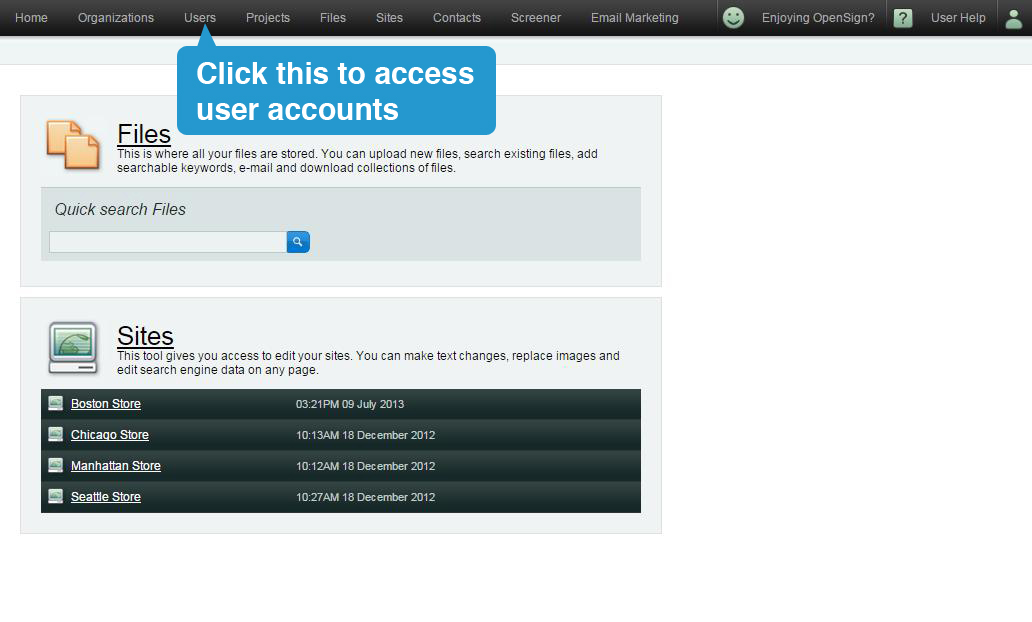
2. Search for the account that you wish to edit, then click on the account name. This will open the same page as when you add an account.
3. Under 'Postal Details' and right above the 'Next' button, click on 'Preferred Language' drop down menu to choose the language you prefer when creating an account.

4. Once you're done, click "Save".