Changing your account details:
1. While logged in, hover over the person icon on the upper right side corner of the screen.
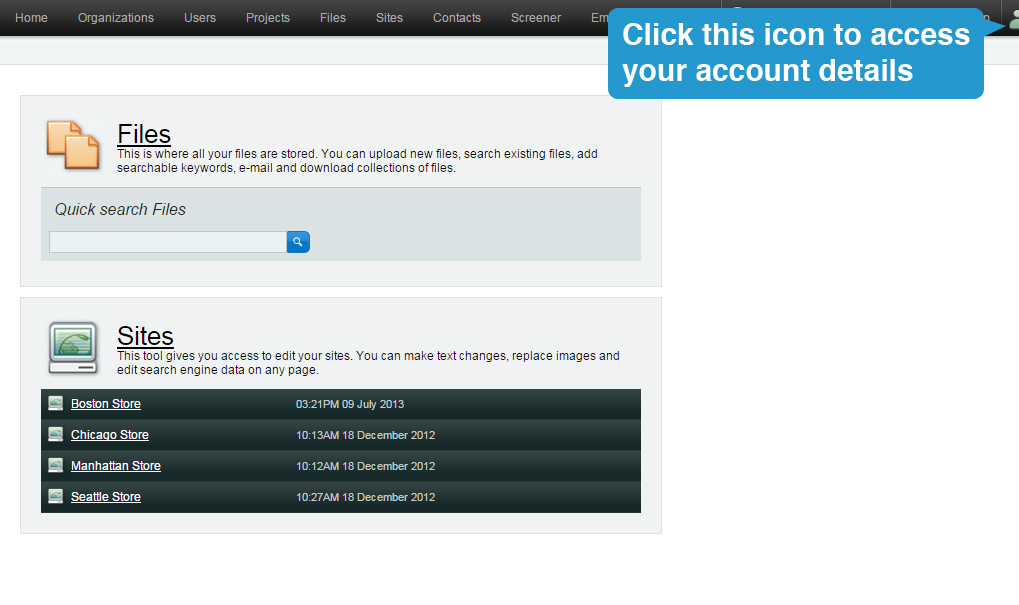
2. Click on "Edit user".
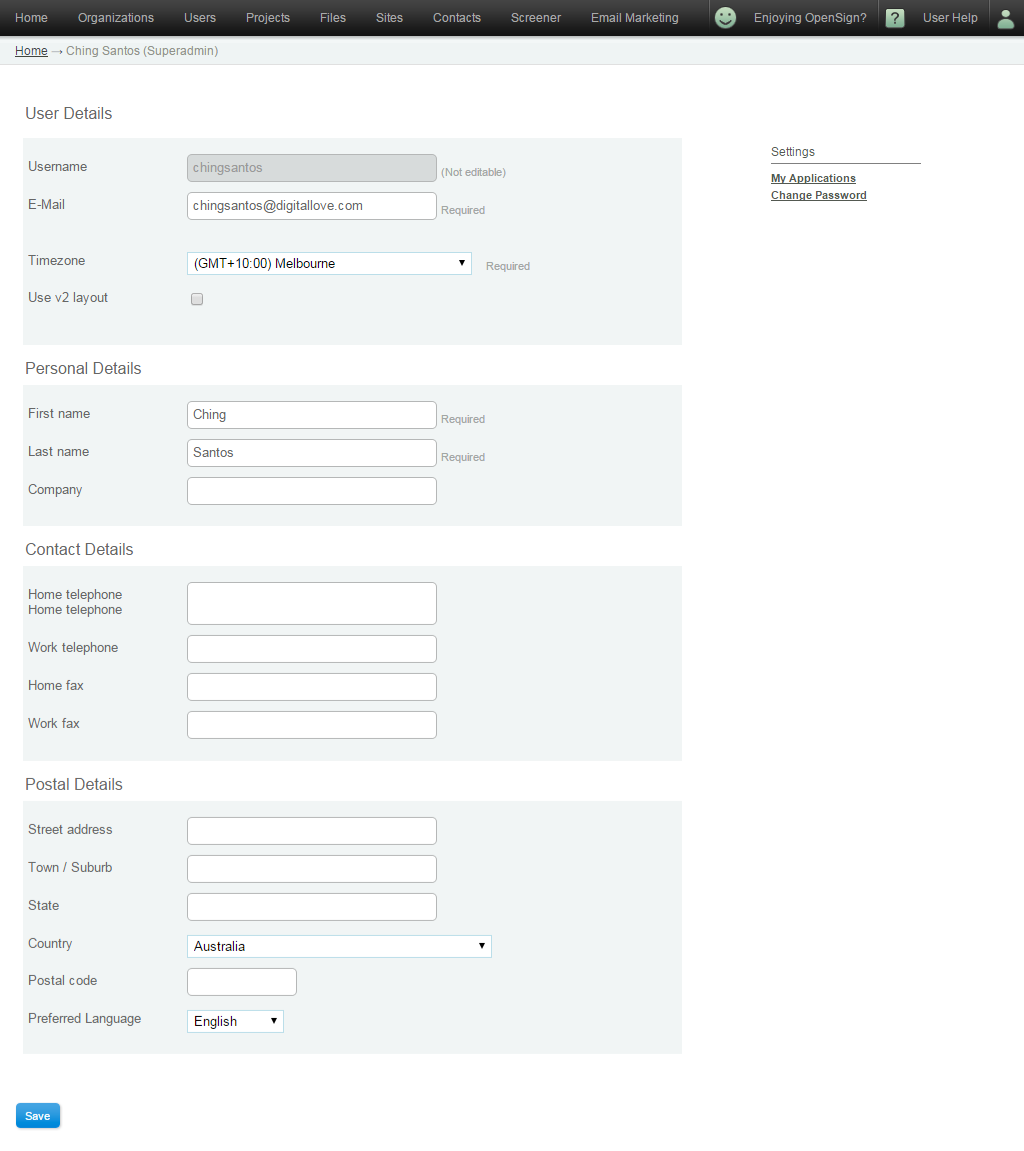
3. You will be brought to this page. Make the necessary changes and click the "Save" button located at the bottom of the screen when you're done.
Can I upgrade my user access level?
Unfortunately you cannot upgrade your access level, someone with administrator or higher access will need to do this for you. Every account has at least 1 administrator.
You may contact Support to upgrade your account with authorization from your administrator.
Changing my password.
To change your password, click here and follow the steps.