Welcome to your new Android® device!
This device is fully equipped to display your digital content to the world and can be prepared for use in just a few minutes.
This device is fully equipped to display your digital content to the world and can be prepared for use in just a few minutes.
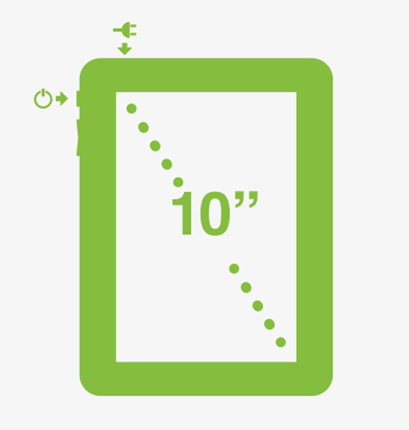
- Plug the device into a power outlet using the power cable provided.
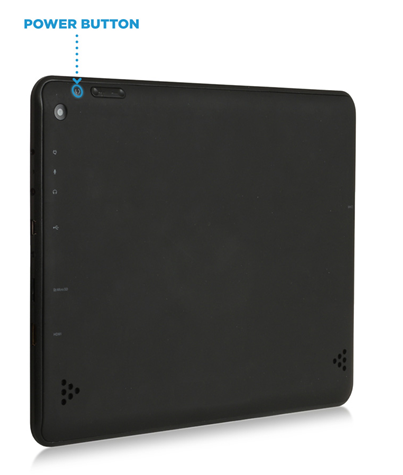
- Turn your device on by pressing and holding the Power button, located along the edge of the device. Once the screen turns on, release the Power button.
To Reboot: Do the Hourglass swipe on your device, enter your screen network password and choose 'Reboot Device'. If this is not possible, please contact Support so they can remotely reboot this for you. Please do not reboot through the power button of the device without Support's go signal.
Note: This device has a battery backup so can remain on without power once charged.