Every time you save any edited works on Publisher , a copy, or version, is kept. Should you make an error, or prefer an earlier version, Publisher gives you the chance to go back, or forward.
You need to be in the Page Editor of the page you wish to edit to do this.
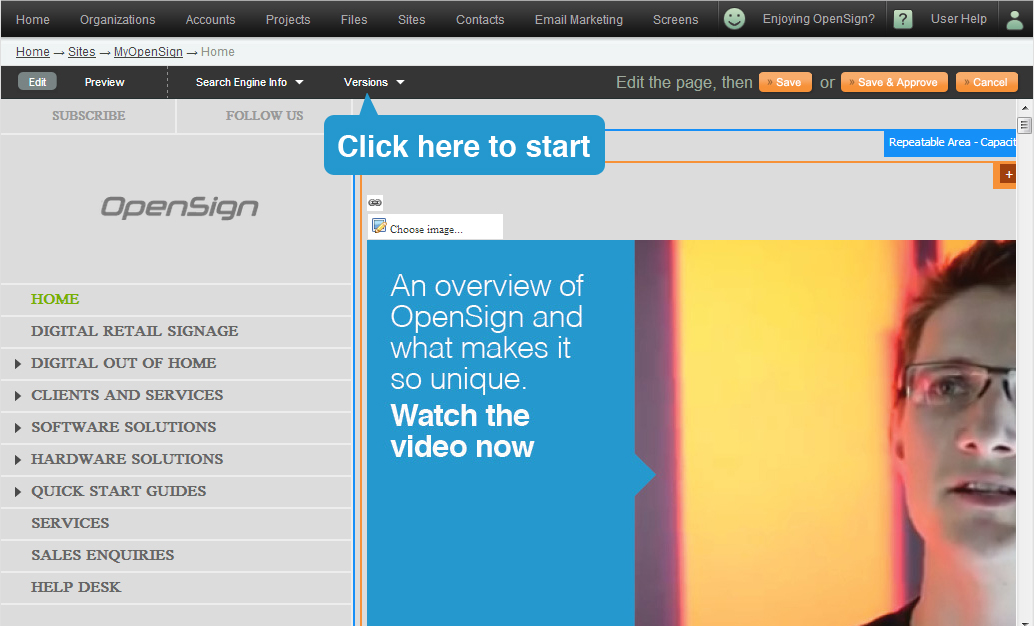
To view an earlier version, or return to a later version, click on Versions.
- Select a version from the drop down box.
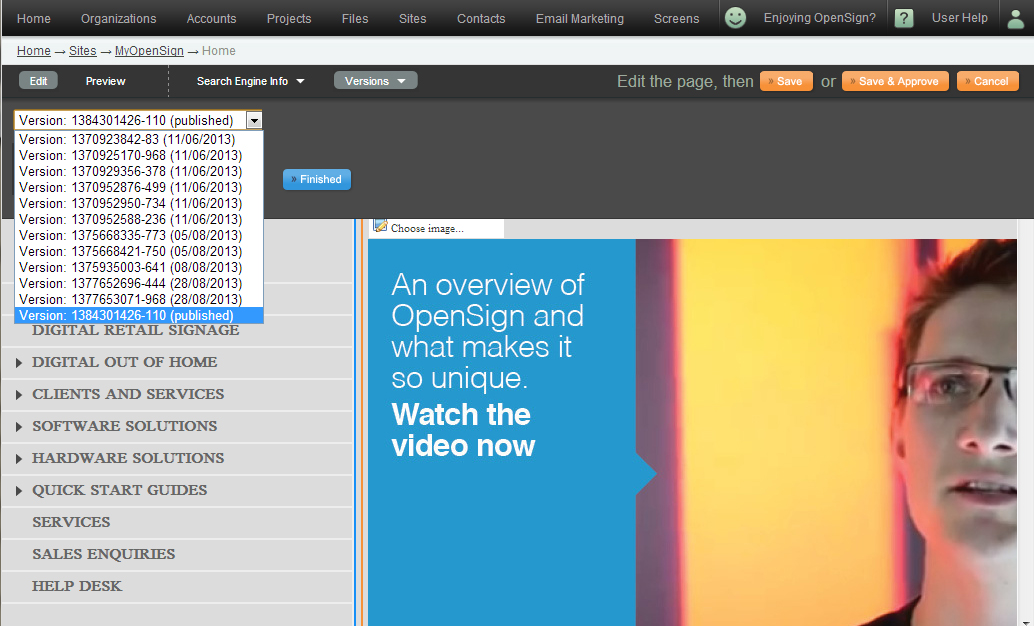
- The selected version of the page will then open.
- A button to the right will appear stating click on "Revert" to continue.

- This will save a copy of this page as the latest page.
- Edit the page as you normally would.
- Save, or save and approve when done.
To close the window without making any selection, click on Versions.