An administrator has limited access to edit an account as only the account holder can change their username and password. However, the administrator may change other details.
To make a change to an account:
1. From your dashboard, click on the "Users" link
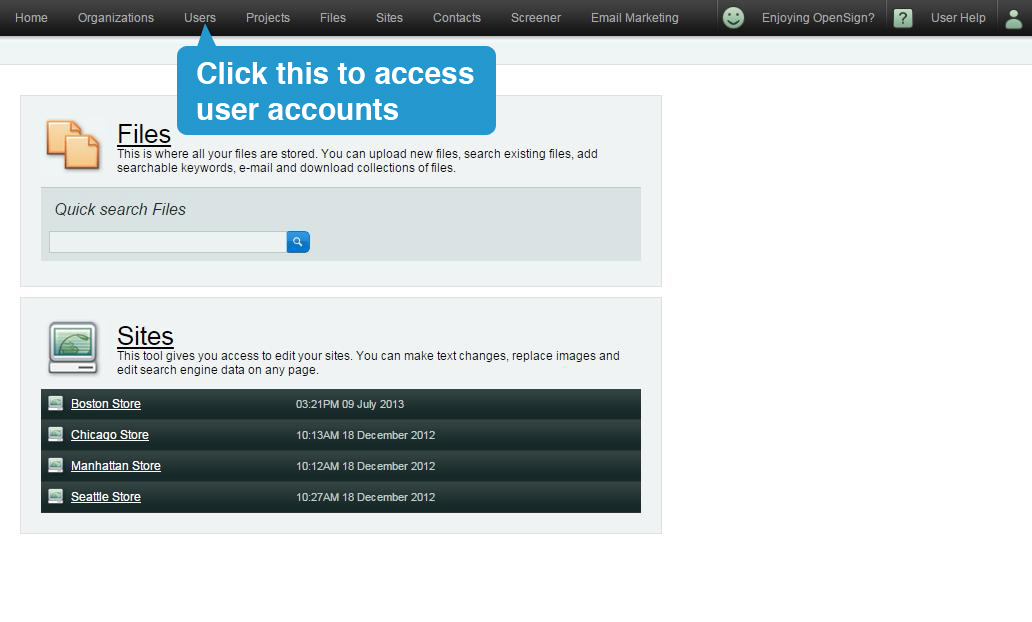
2. Search for the account that you wish to edit, then click on the account name. This will open the same page as when you add an account. Make the necessary changes.
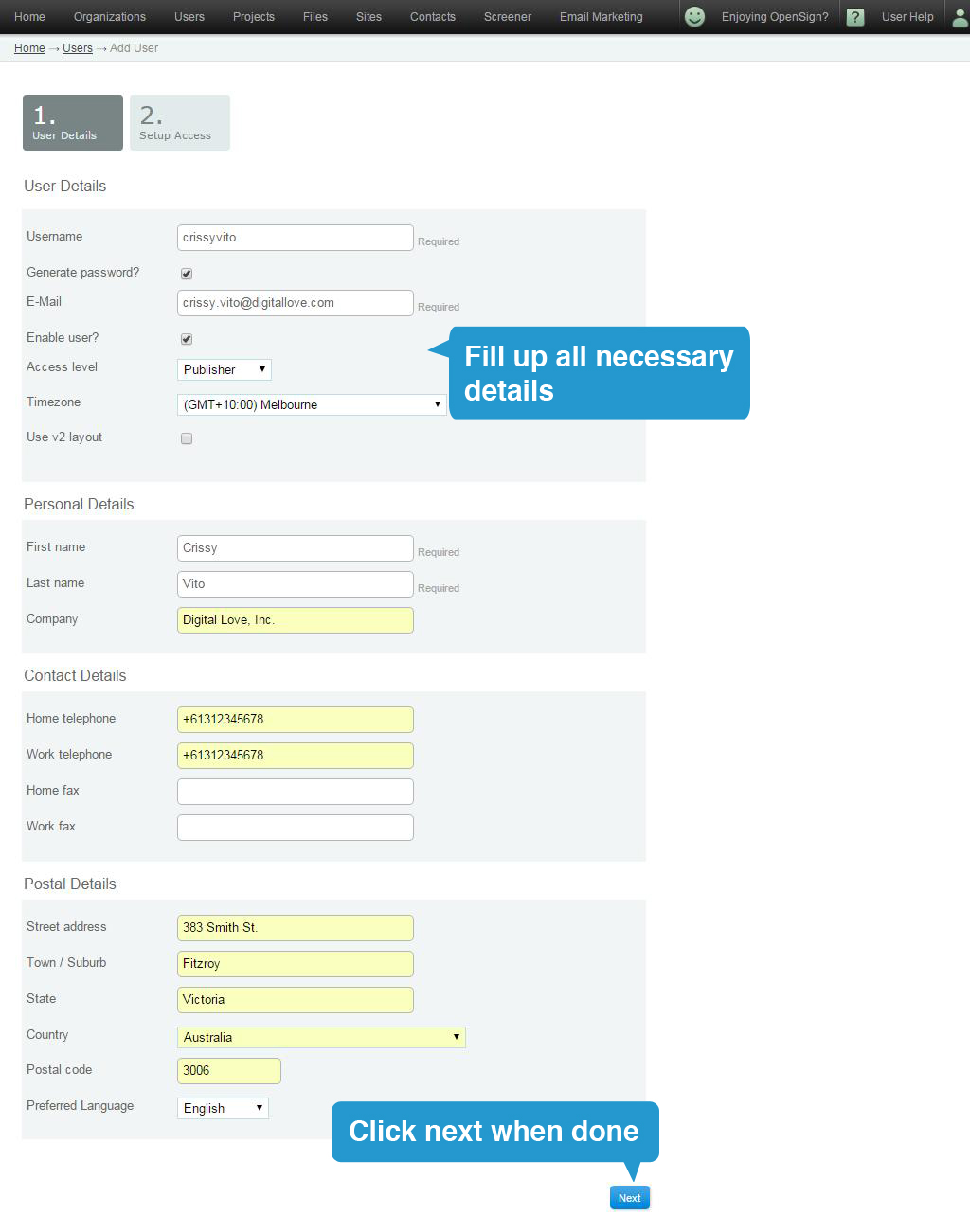
3. Click 'Next' when you're done.
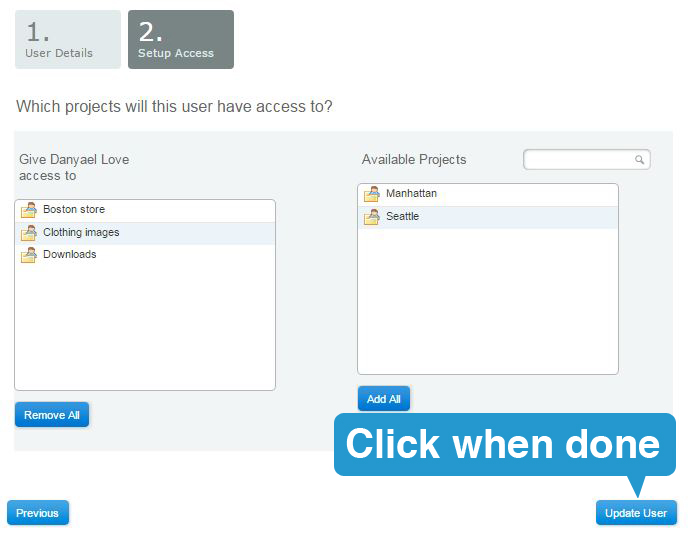
4. Drag more projects into the left box if needed and click "Update User".